
EAIE · HELP-22
Deleting an EAIE Document
Verify the target and permanently remove a document through EAIE.
Deleting removes the selected document through EAIE. This is different from hiding a document from Board users.
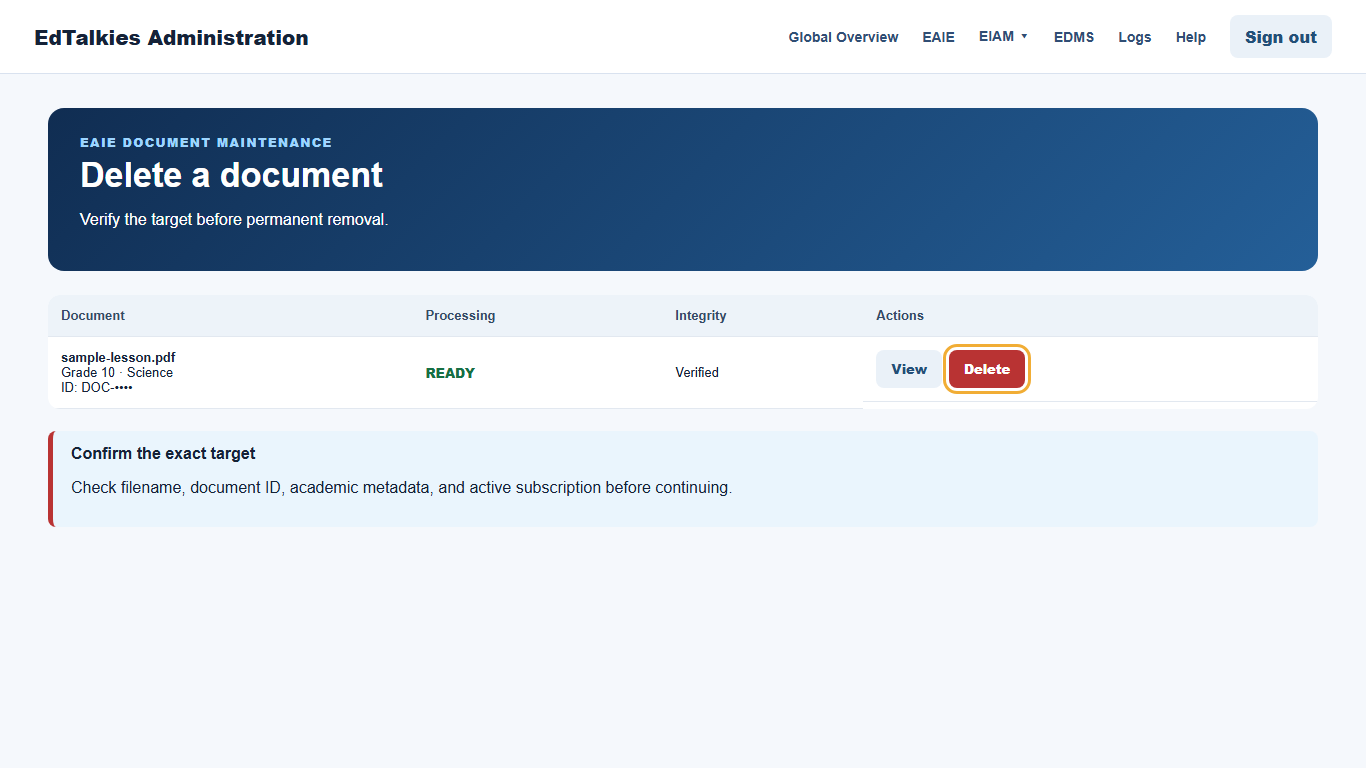
Delete safely
- Verify the filename, document ID, academic metadata, and active subscription.
- Open View if the table row does not provide enough information to confirm the target.
- Select Delete on the correct row.
- Confirm only after rechecking the target.
- Verify that the row is removed or that the portal reports a successful deletion.
If the action fails, do not repeatedly delete other rows. Capture the safe error, document ID, UTC time, and request ID for support.